Assetly turns a messy downloads folder into a real 3D asset library — sorted by manufacturer, searchable by tag, one double-click from your scene.
Every project starts the same way: dig through Downloads, re-import the same Herman Miller chair for the fifth time, lose track of which folder had the good lighting fixtures.
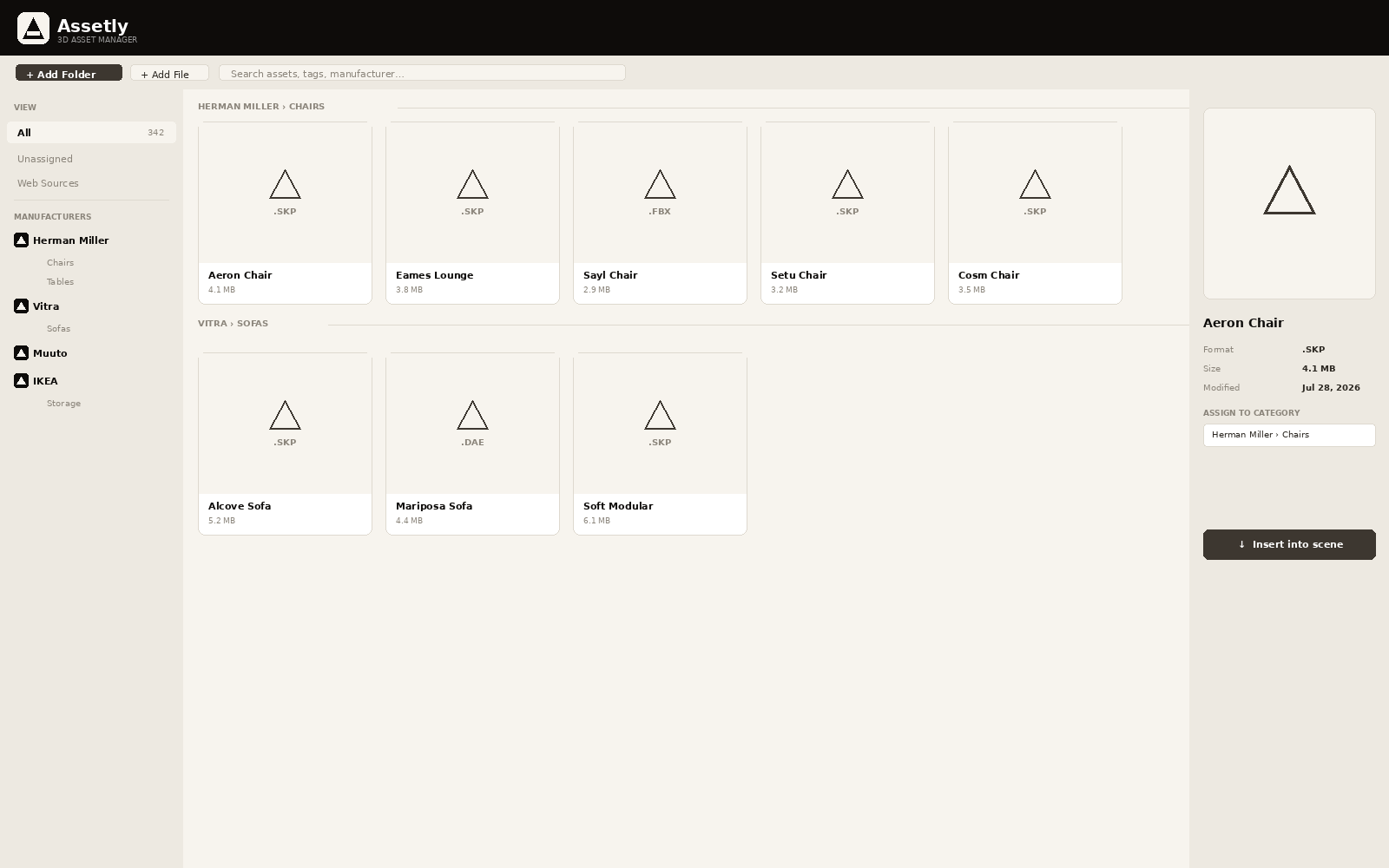
One organized tree, sorted the way your studio actually thinks about furniture.
Build an unlimited tree — manufacturer → category → subcategory. Named exactly how your studio thinks about furniture.
Double-click any model and it drops into your scene with the Move tool already active — drag it into place immediately.
Drop in a folder with subfolders and Assetly mirrors that structure as categories automatically — no manual sorting.
Shift- or Cmd-click to select dozens of models at once and re-file, re-tag, or delete them together.
Find anything instantly by name, manufacturer, or your own custom tags — even in a library of thousands.
English, Czech, Italian, and Spanish — switch instantly from the toolbar, no restart needed.
Secure checkout by Stripe. Need an invoice or have a question first? Email us.
SketchUp 2024, 2025, 2026, and later, on both Windows and macOS. DWG, DXF, and FBX import require SketchUp Pro with the relevant importer extension installed — SKP, DAE, 3DS, and KMZ work in every SketchUp edition.
You'll get an email within a minute or two with your license key, the extension file, and a short installation guide. Activation takes about two minutes from the SketchUp Plugins menu.
Yes — email us and we'll sort out the difference, whichever direction you're moving.
If Assetly doesn't work for you, email us within 14 days of purchase for a full refund, no questions asked.
Yes. The one-time license covers 2 devices at once — deactivate one from the Plugins → Assetly → License Status menu before activating a third.
